Dashboard
The Dashboard is the first screen you see after signing in to Allegro. It's your starting point — a quick snapshot of how your organization is growing so you can spot trends without digging through lists or reports.
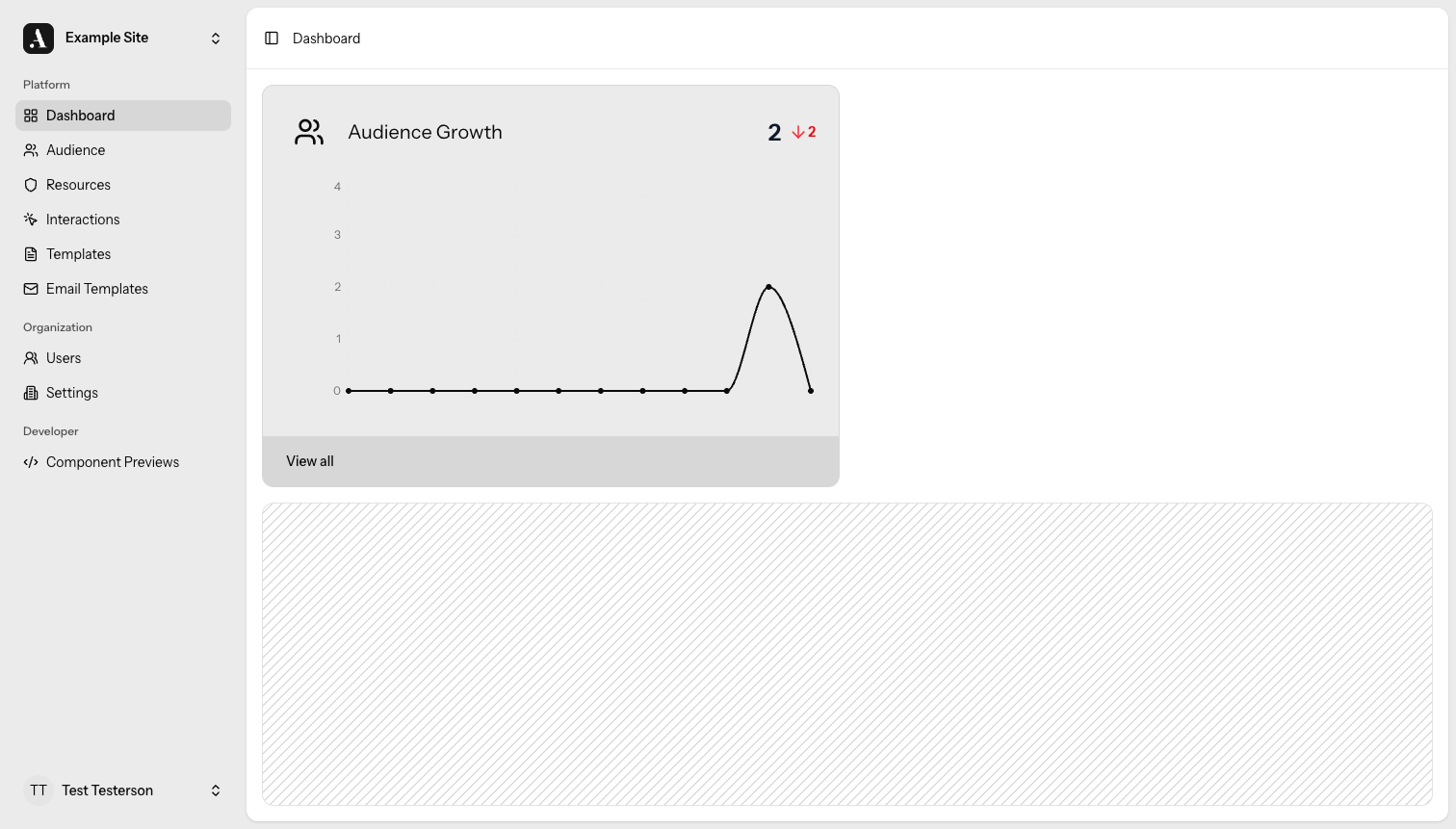
Audience Growth
The Audience Growth card tells you how many new members have joined your organization recently and whether that number is trending up or down compared to the previous week.
Here's what you'll find on the card:
- New member count — the total number of members who signed up during the current period.
- Week-over-week change — an indicator showing whether signups increased or decreased compared to the prior week.
- 12-week sparkline — a small chart that plots signup activity over the last twelve weeks so you can see the bigger trend at a glance.
- View all — a link that takes you straight to the Audience list where you can filter, sort, and explore full member records.
tip
Keep an eye on the week-over-week indicator after launching a campaign or event. It's the fastest way to tell whether your outreach is driving new signups.
Related
- Audience — browse and manage your full member list.