Entitlements
Entitlements control what your audience can access. You define the things people can get access to (resources), and Allegro tracks who has access to what (entitlements). This powers digital subscriptions, gated content, event access, physical product fulfillment, and more.
Key Concepts
| Concept | Description |
|---|---|
| Resource | A thing a member can gain access to, such as a digital subscription, a print edition, or event entry. |
| Entitlement | A record linking a member to a resource. The member has access as long as the entitlement is active. |
Entitlements are usually created automatically when a member subscribes to or purchases an Offer. You can also grant them manually.
Resources
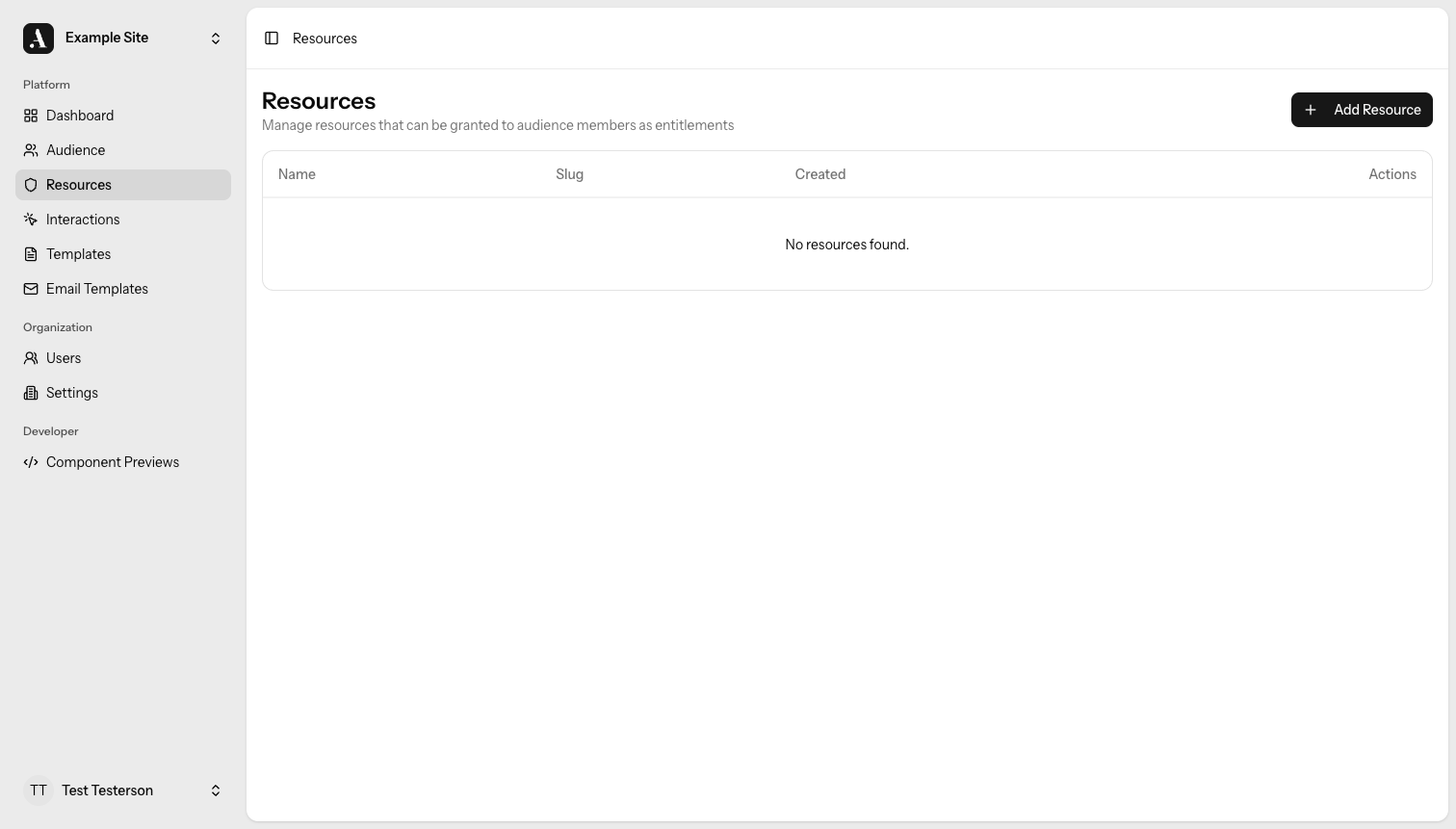
A resource is something of value that you control access to. Resources are flexible — they can represent abstract concepts or concrete goods:
- Digital subscription — access to premium content on your site
- Print edition — a physical publication mailed to the subscriber
- Newsletter tier — a specific tier of email content
- Event access — entry to a virtual or in-person event
- Physical product — a t-shirt, tote bag, or other merchandise
Each resource has a name that you define. Members don't interact with resources directly — they interact with offers, which grant access to one or more resources behind the scenes.
You create and manage resources from Entitlements → Resources in the admin.
Entitlements
An entitlement is the record that says "this member has access to this resource." Each entitlement belongs to one member and one resource.
| Type | How it works |
|---|---|
| Indefinite | No end date — the member's access does not expire unless the entitlement is manually revoked. |
| Time-bound | Has a start date, an end date, or both — access is only active within that date range. |
An entitlement is active when:
- It has no end date (indefinite), or
- The current date falls between its start and end dates.
A member can hold multiple entitlements to the same resource. For example, when they renew a subscription, a new entitlement is created without removing the old one. Access continues as long as at least one entitlement for that resource is active.
How Access Works
When your site needs to check whether a member can access a resource, the logic is simple: does the member hold at least one active entitlement for it?
You define the resources, you decide who gets entitlements, and Allegro tells you whether access is granted.
Entitlements define access within Allegro — your site or application is responsible for enforcing that access (for example, showing or hiding gated content based on whether the member holds an active entitlement).
Managing Entitlements
Viewing Entitlements
You can see a member's current and past entitlements on their profile in the Audience section. Each entry shows the resource name, start date, end date (if any), and whether it's currently active.
Granting an Entitlement Manually
To grant access without going through an offer, open the member's profile and use the Grant Entitlement action. Pick the resource, and optionally set a start and end date. Leave the end date blank to make it indefinite.
Revoking an Entitlement
To remove access, open the entitlement on the member's profile and choose Revoke. This ends access immediately, regardless of any configured end date.
Revoking an entitlement is immediate. If the member is currently accessing something protected by that entitlement, their access ends right away.